Your files
MIDI and MusicXML imports stay on the device. Export or import your data whenever you choose.
Import a score, play it, and get clear analysis—timing, note lengths, and touch—then a focused
practice plan in Today.
iPad · $129.99 once
No subscription. No ads. No account.
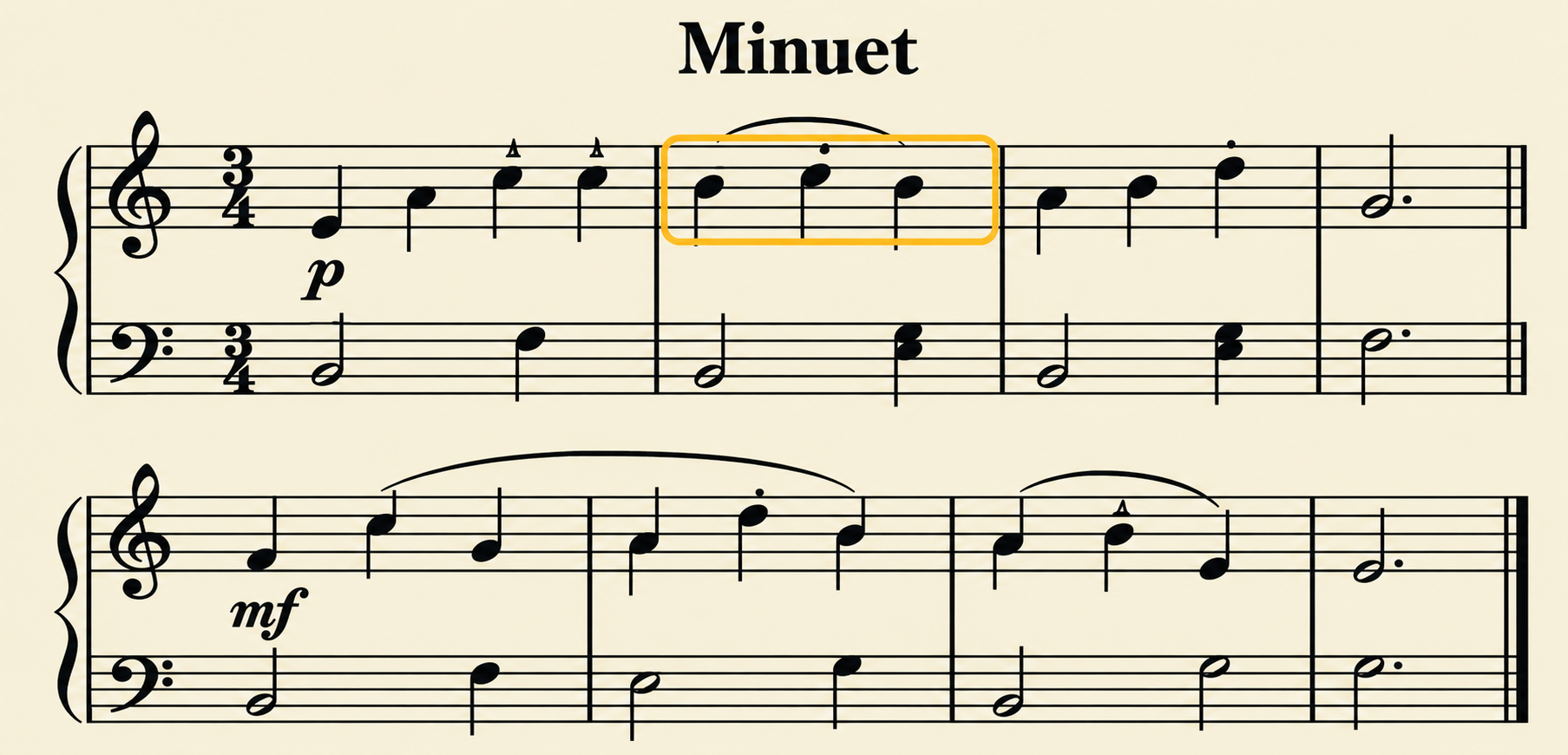
Minuet.musicxml · imported score
Page to Hand follows one useful chain: bring in the music, play it on your keyboard, see what happened, then work on the part that needs you.
Import MIDI, MusicXML, or MXL. Your file stays on your device.
Use the piano you already own. Page to Hand listens over MIDI.
Notes, timing, holds, and touch stay tied to the score and its bars.
Loop the weak bars or follow Today into the next useful task.
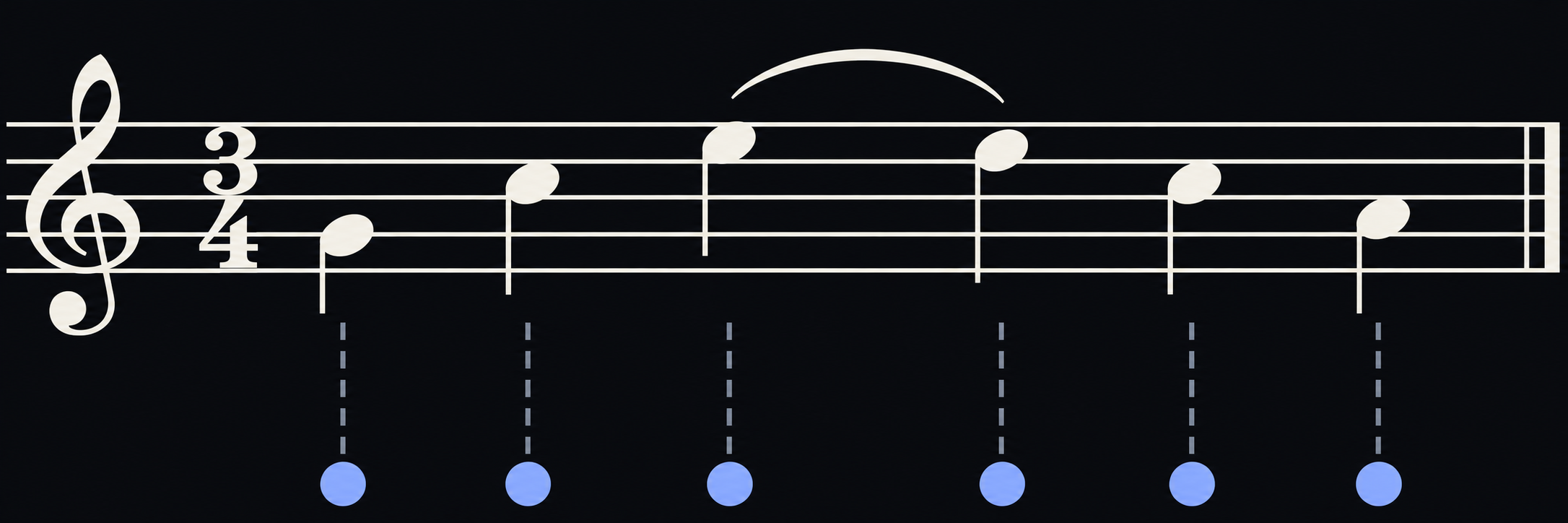
Page to Hand compares the run with the score, names the bars that need another pass, and leaves the clean parts alone.
Example from the Minuet excerpt above. Review the marks on the score, loop the weak bars, or compare with your last run.
Today brings due reading, scales, technique, theory, repertoire, and the bars that held you up into one plan. Choose 5, 10, 20, 30, or 45 minutes. Nothing is locked.
Minuet: bars 5–8Loop at 80% · about 3 min
D major, hands togetherScale review · about 3 min
Sight-read 16 barsSteady beat · about 4 min
The tool is open where it matters: your files, your progress, and your practice history stay under your control.
MIDI and MusicXML imports stay on the device. Export or import your data whenever you choose.
More than 2,300 credited public-domain and openly licensed scores, graded from 1 to 5.
Play over USB or Bluetooth MIDI. The keyboard’s own speakers can stay your sound.
The same practice system, without a subscription, advertising, or an account.
Use Page to Hand on a desktop browser with a MIDI keyboard. Your work stays local.
Try free in your browserOwn the iPad and Designed-for-iPad Mac app. Everything included in one purchase.
Coming soon to the App Store
Bring one piece. Play one run. Leave with the next thing worth practising.
Try Page to Hand free